Integration from sales systems
Bring receipt documents from sales or retail systems into the entry pipeline so teams are not re-keying day-to-day work.

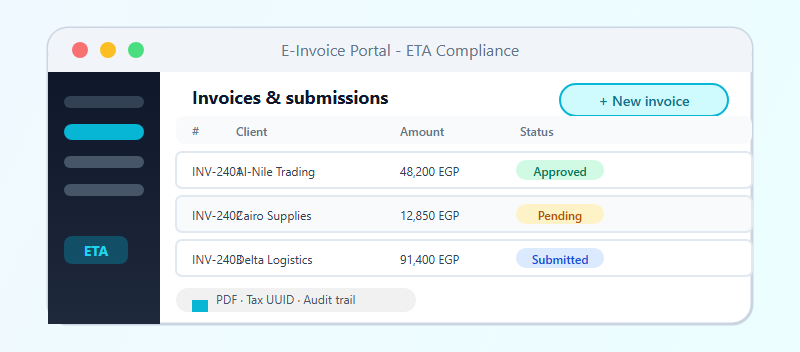
The same operations platform for e-receipt — integration from sales systems, day-to-day review, and controlled submission to the tax authority.
Syntrixor applies the same three-layer platform to e-receipt flows: bring sales documents from your systems, review them in the operations portal, submit to the Egyptian Tax Authority, then follow responses and correct receiver data when needed — with clear permissions and company context for sales and finance teams.
Bring receipt documents from sales or retail systems into the entry pipeline so teams are not re-keying day-to-day work.
Review incoming receipts, mark them reviewed, select them for submission, or drop them with an audit trail.
Queue ready receipts for controlled submission so they reach the tax authority in an auditable way.
Fix receiver fields when validation or responses fail due to bad data, then resubmit when allowed.
Work in the right legal entity, with roles and permissions that fit sales and finance teams per organization.
Monitor document activity, open detail, and inspect authority responses to see what succeeded and what needs correction.